Step 5: Sign up & verify
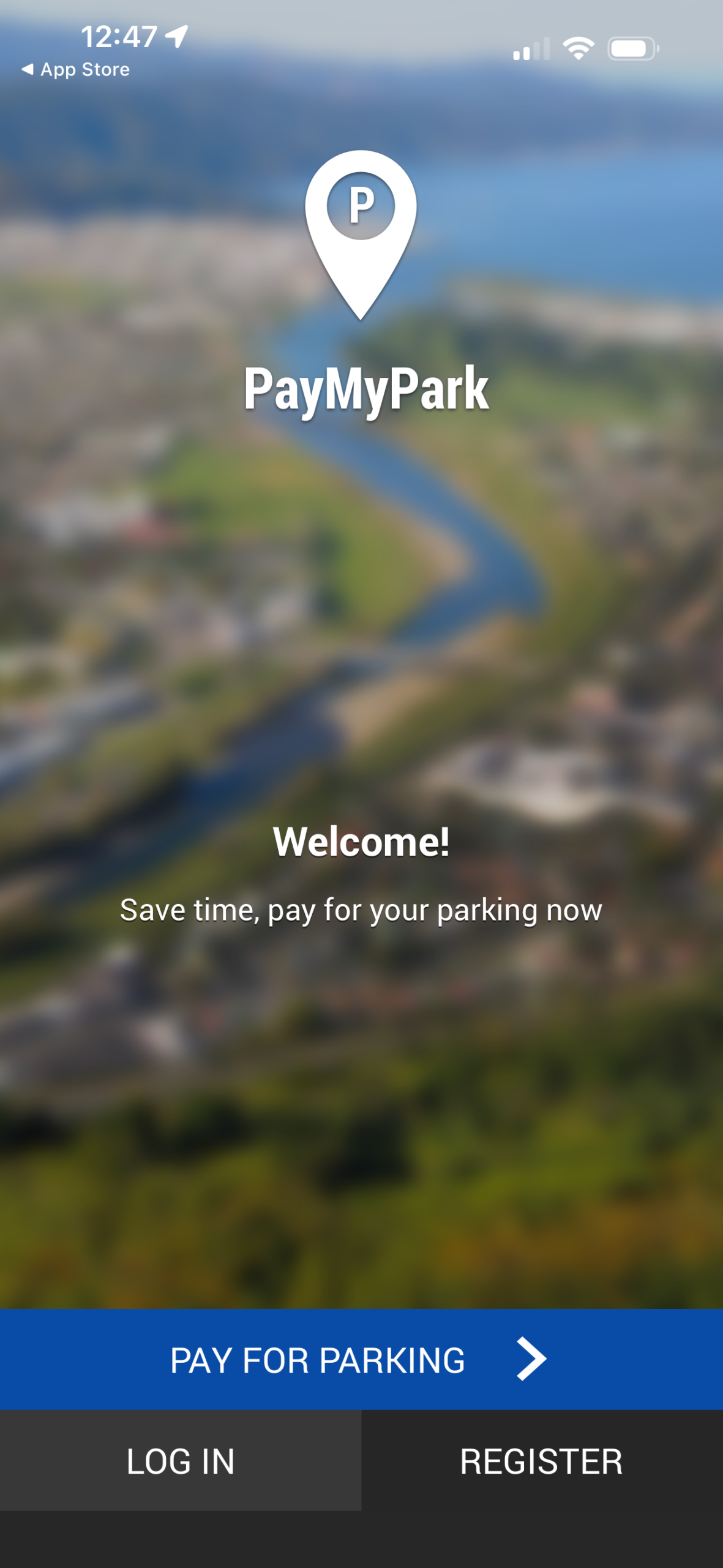
Follow the prompts to enter your details. After signing up, it will prompt you to sign in. You need to verify your account beforehand by opening the link in the confirmation email (see your email inbox).
Step 6: Vehicle number plate
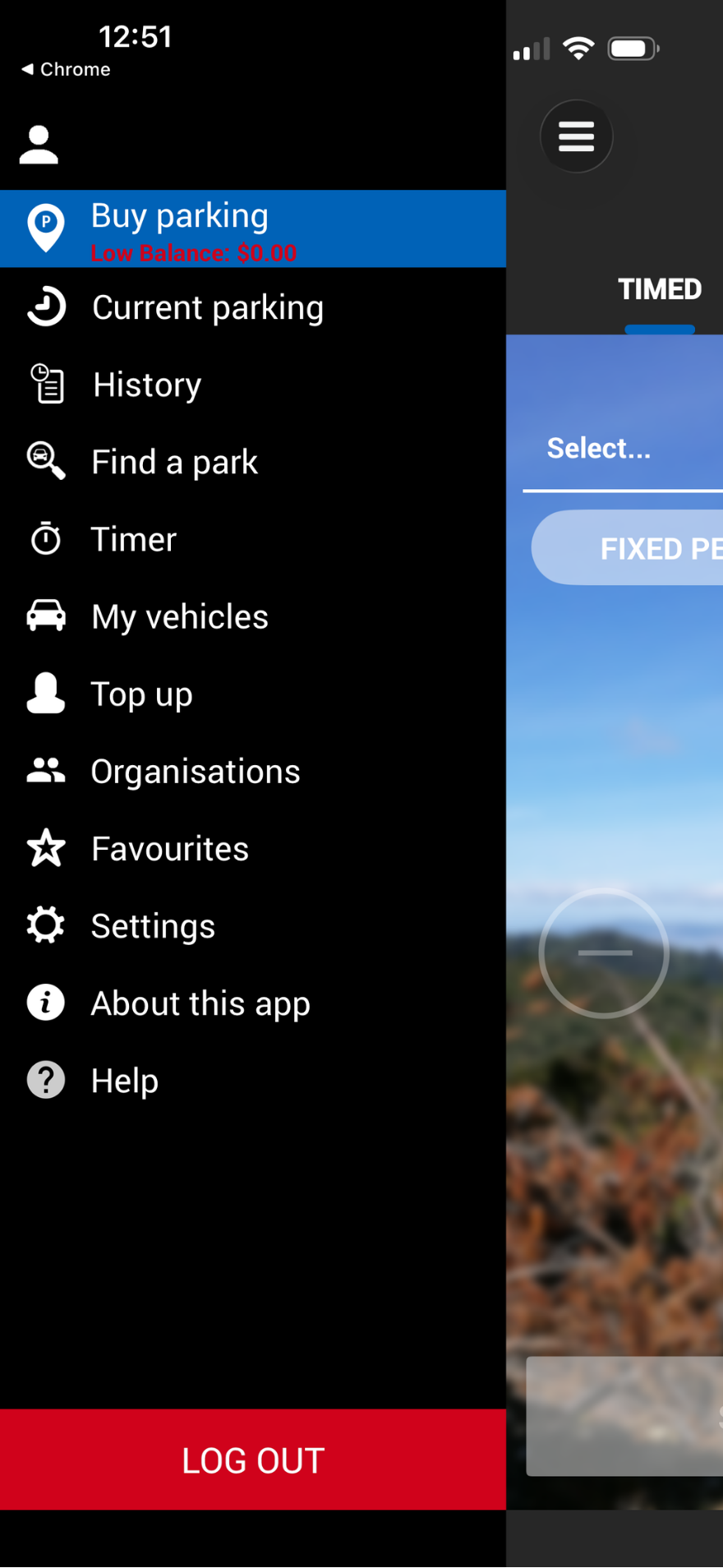
Once signed in, you will need to add your vehicle registration/number plate. Tap the menu icon in the top left corner and go to "My Vehicles".
There won't be any vehicles, but you can add yours by tapping the plus icon in the top right corner.